
For real estate agents
Your trades quote.Your owner approves.The work gets booked without you in the middle.
One property at a time. You list what matters at the appraisal, your own trades price it and the job is booked the moment your owner approves.
Free for agents. Request access.
The bit between the appraisal and the photos
None of it is selling. It is the admin that lands on you every single campaign, and it always lands on a Tuesday night.
“I have four gardeners in my phone and I still spend Tuesday night texting all of them.”
“The owner said yes on a call, then I could not remember which quote she meant.”
“Photos are Thursday and I have no idea whether the window cleaner is actually coming.”
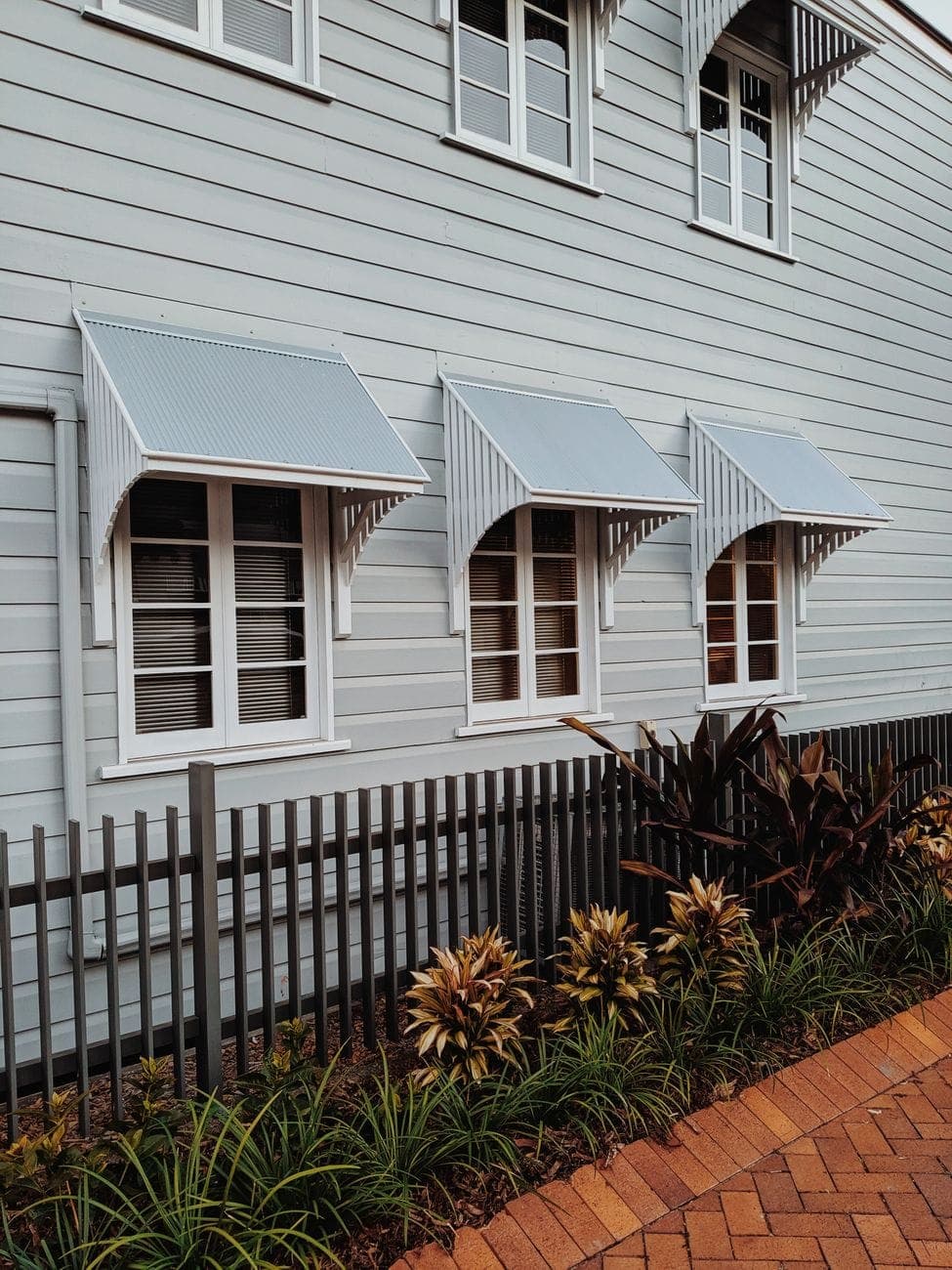
Buyers see the front of the house first.
Quoted, approved and booked, without you in the middle of any of it.

- Front garden tidyBooked Thu 3 Sep
- Fence washBooked Tue 1 Sep
- Window cleanBooked Wed 2 Sep
How one campaign runs
Four steps, shown on the page your owner actually opens. You are in it for the first one and the exceptions, and that is the point.
You list the jobs
Address, photo day, the owner and the jobs you can already see standing in the driveway. A title and a tap each.
Your trades are asked
Every job goes to the trades in your own book. Quiet ones are chased. A price comes back in plain words and we read it back to check.
Your owner taps approve
One page, one job at a time, the price inc GST and the day. Nothing is booked until they approve it, and the approval is recorded.
It is booked and everyone is told
The trade gets the date, the address and the access notes. Your owner sees it booked. You get the exceptions and a morning digest.
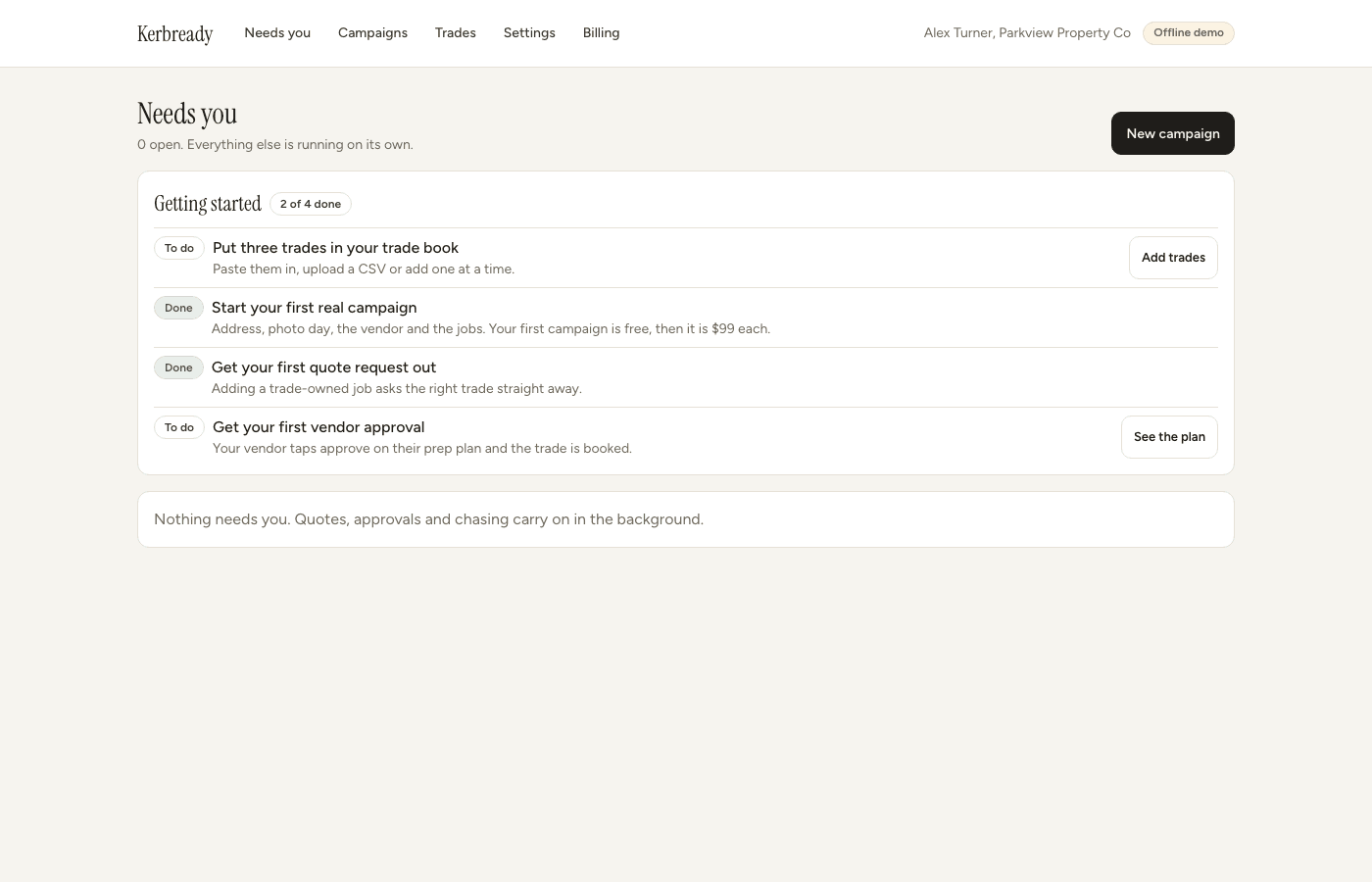
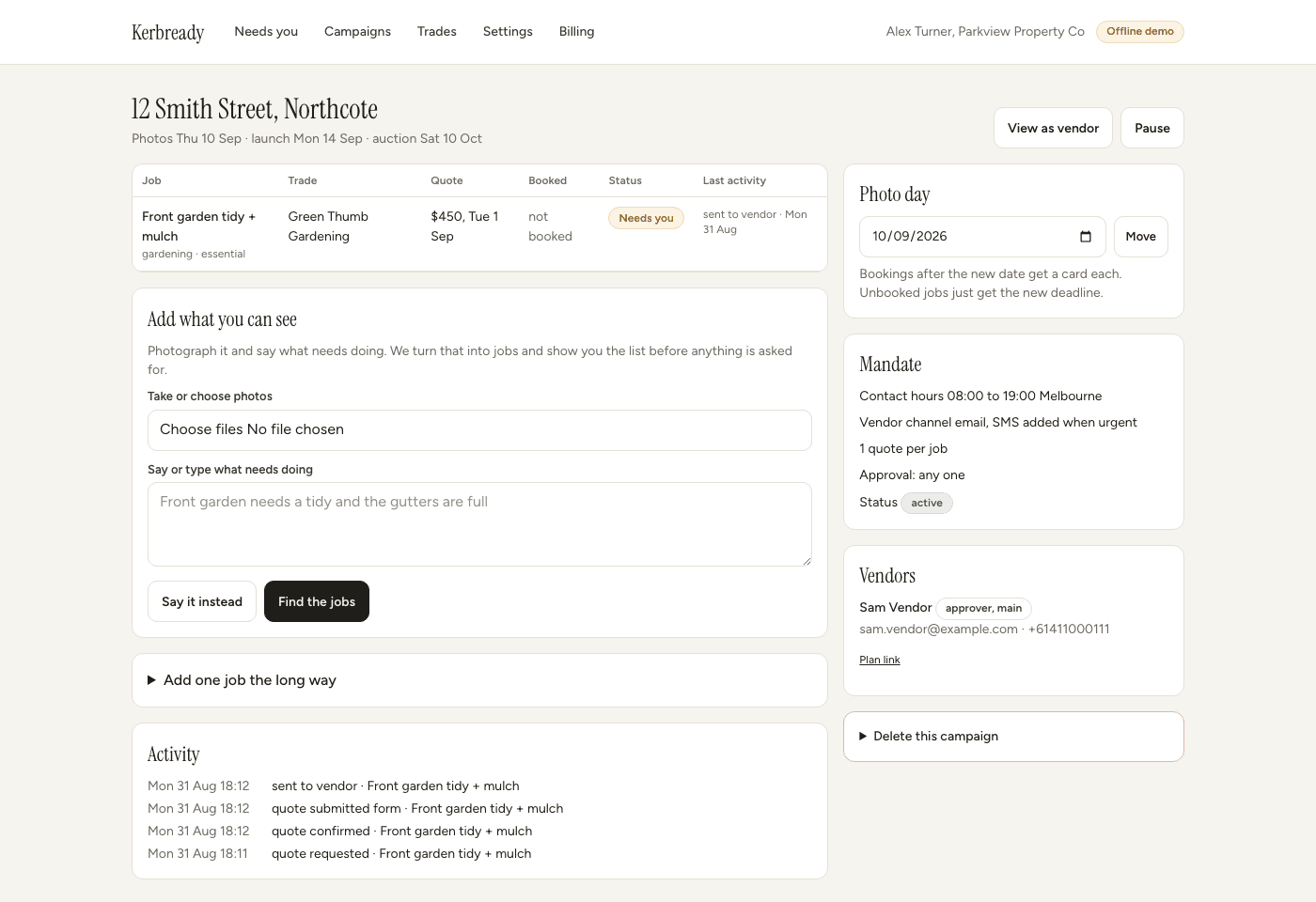
What you see
One page a property, and most mornings you only open the inbox. Your owner gets their own page, with your branding on it and no password to remember.
Small money, big return.
A few hundred on the garden can move the price by thousands. The jobs are cheap. The difference is not.
Free for agents
- No fee per campaign, however many jobs and however many trades.
- Nothing monthly, nothing recurring and nothing to cancel.
- Nothing to put on the owner's marketing schedule.
- KerbReady is paid by the trades, a flat fee when they win a job. It never changes who gets asked.
Questions agents ask
Who pays the trades?
Your owner does, directly to the trade, on the trade's own invoice. KerbReady records the approval and passes the invoice on. We never hold, split or take a cut of that money.
What does it cost me?
Nothing. KerbReady is free for agents. Trades pay a flat fee when they win a job, and their first two wins are free. It never affects which trade gets asked, and your owner pays the trade exactly what they quoted.
Do my trades need an app?
No. They get an email the way they do now. They can reply with a price in plain words, or tap a link and fill in a short form. Nothing to download and nothing to sign up for.
Can my owner add jobs I did not list?
Yes, as many as they like, and they do not need your permission. They pick a kind of work, give it a name and take a photo. It goes to the trades in your own book, never to a business they picked. You see it on the campaign and in the morning digest.
What if an owner says no to a quote?
They tap skip and say why. If the reason is that they will do it themselves, the job moves to their own list and we check in before photo day. If it is price, you see it in your inbox and can ask another trade.
Is my data in Australia?
Yes. The database and the file storage are hosted in Sydney. Owner and trade details are kept for twelve months after a campaign closes and then removed. See the privacy notice.
Can my assistant use it?
Yes. Invite them and they can run campaigns, trades, quotes and the inbox. Billing, agency settings and deleting things stay with you.
The chasing, the days it goes wrong and where the money goes are all on how it works.
Free for agents
KerbReady is opened to a small number of agents at a time. Every campaign is free, with nothing monthly and nothing to cancel.
It runs on real listings first, and there are no invented numbers on this page.